Higgsfield
I use Higgsfield regularly for quick creative work across images, video and voice.
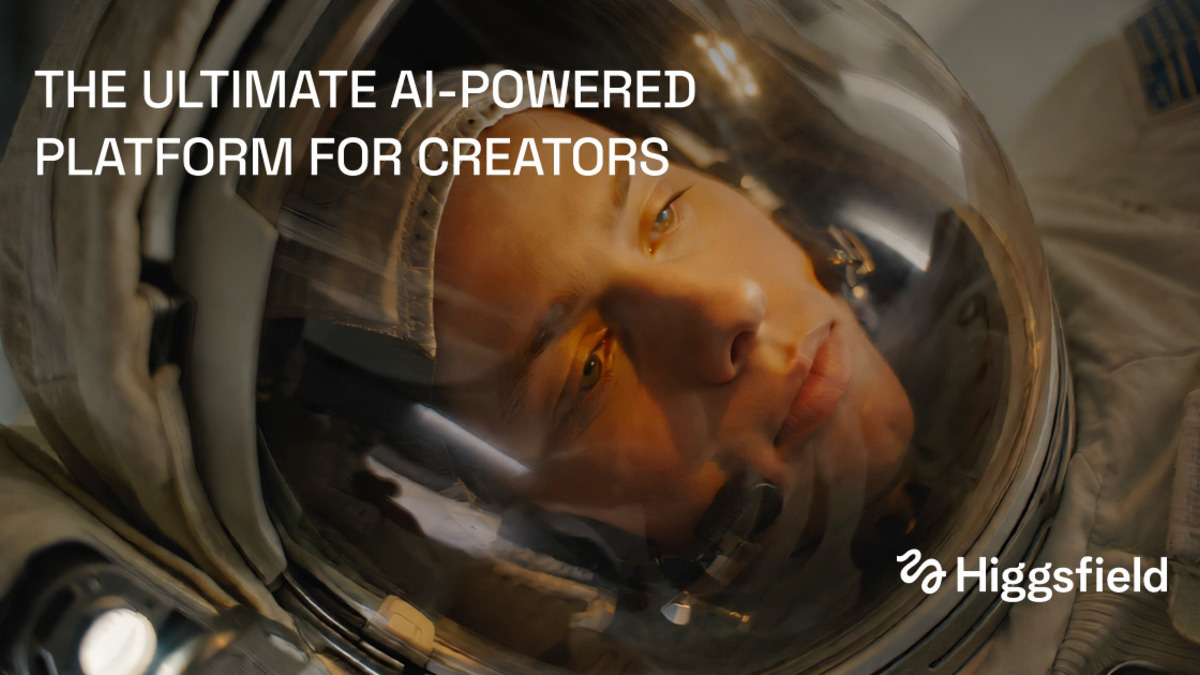
Why I recommend it
I recommend Higgsfield because it brings several useful creative tools into one place. I can generate images, video and voice content from prompts or references, then continue working on the media through editing and upscaling. That makes it practical for quick experiments where switching between separate services would add unnecessary friction.
The wider workflow support is also useful. Higgsfield includes an AI agent for automating creative tasks, and it is available on web and mobile. I use it regularly because the range fits the way creative work often develops: an initial idea becomes a visual, then a piece of video or supporting marketing content. It will not replace judgement or a clear brief, but it can reduce the time spent getting to a version worth reviewing.
What stands out
- Image, video and voice generation
- Works from text prompts or references
- Built-in media editing and upscaling
- AI agent for creative workflow automation
- Available on web and mobile
Best for
Worth knowing
The broad toolset still needs clear prompts and careful review. Generated media should be treated as a starting point, not finished work.
How I use it
I use Higgsfield regularly when I need to generate or refine creative media quickly. It is most useful during early exploration and iteration.
Why it matters for games
Games work involves frequent concept testing and supporting content. Higgsfield can help teams explore visuals, video and voice ideas before committing more production time.
Quick facts
- Company
- Higgsfield
- Category
- AI creative suite
- Use cases
- Image, Video, Audio / voice, Game development, Marketing, Automation
- Best for
- Creators, Game developers, Teams, Marketers
- API
- Available
Facts last checked 07/09/2026.
Try it
You may also like
 AIElevenLabsMy first choice when I need convincing AI voice output.ImageVideoAudio / voice
 AIPikolo Creator Video AnalyzerA focused research tool for teams that need evidence, not another video summaryResearchData / analysisVideo
 AIPikolo Creator Brief CheckerA practical way to spot gaps and contradictions in creator briefs.WritingMarketingAutomation